
Your design system
A theme, components, your brand kit and the fonts you own. Every page builds on them.
Boards for every client and campaign, each with its own chat. Pages build on your theme and components; you edit in place, without code.


A theme, components, your brand kit and the fonts you own. Every page builds on them.
Import any website as an exact, editable copy, or a Figma file by link or .fig.
Layers, an inspector, text in place, undo and autosave. No code.
Explorations 2


Ready 2

Archive 1
Components
12 Connect an app once, and the agents you choose can use it. Any MCP server works too.
All 90+ apps Figma
 Webflow
 Google Drive
Imports a live page as an exact copy and builds the new page inside its header and footer.
Design and webTurns a Figma file into a board theme and components every design is built from.
Design and webA finished page copied into Webflow, or saved as a WordPress draft, for your developers to publish.
Something else? Write to growth@agency-ai.app
No. Ask in the board’s chat for what you want, then edit in place: layers, an inspector, text you type straight onto the page, undo and autosave.
Yes. Import any page of your site as an exact copy you can edit, then build new pages inside its own header and footer.
The fonts you own: add them to your brand kit and every design on the board can use them. Google Fonts work too.
Share a preview link to the board's Ready section or to one design. Their comments land on the frames, where your team and the board’s chat pick them up.
Tell us where your team wants help first. A person reads every request and replies from growth@agency-ai.app.
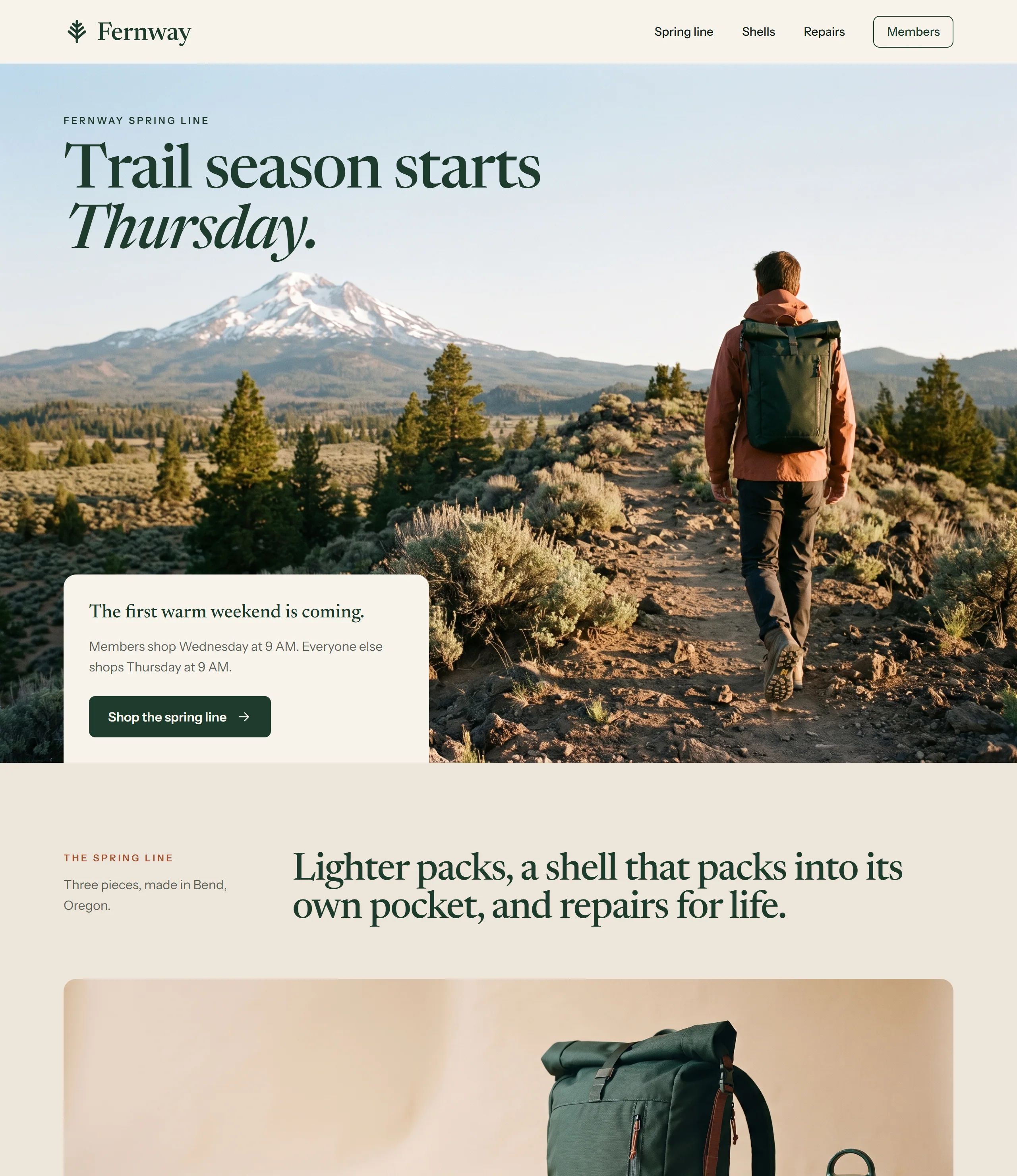
1Love the headline. Can the button say "Shop the spring line"?
2Swap the stamp to the Ridgeline 28.