
Client work that starts from everything you know about the client.
A folder per client holds its brand kit, notebooks, connected accounts and the people on the account. The agents you build there make pages, emails, video and reports on that client’s brand, on the model you choose, into the client’s own tools.


Where the week goes today
- Every client has a different brand, a different stack and a different way of saying no.
- Generic AI tools write like nobody in particular, so the team rewrites everything they make.
- What we know about a client lives in six people’s heads and forty Drive folders.
What changes
Set each client up once: scan their site into a brand kit, put the brand book, past work and briefs in a notebook, and connect their ad, analytics and email accounts in their folder. The Design, Email and Video boards, and the agents you build for that client, start every job from all of it. Clients review by link, and nothing goes out until someone on your team approves it.
Four places to start.
From the use case library. Each one runs in the apps below, with a person approving what goes out.
Where the work runs
In the apps you already use.
These jobs run in the tools below, among the 90+ apps built in. Any MCP server covers the rest.
 Google Drive
 Notion
 Gmail
 Slack
 Figma
 Webflow
 Klaviyo
 Google Ads
 Meta
 HubSpot
 Monday.com
Read more Knowledge →Design boards →Enterprise →
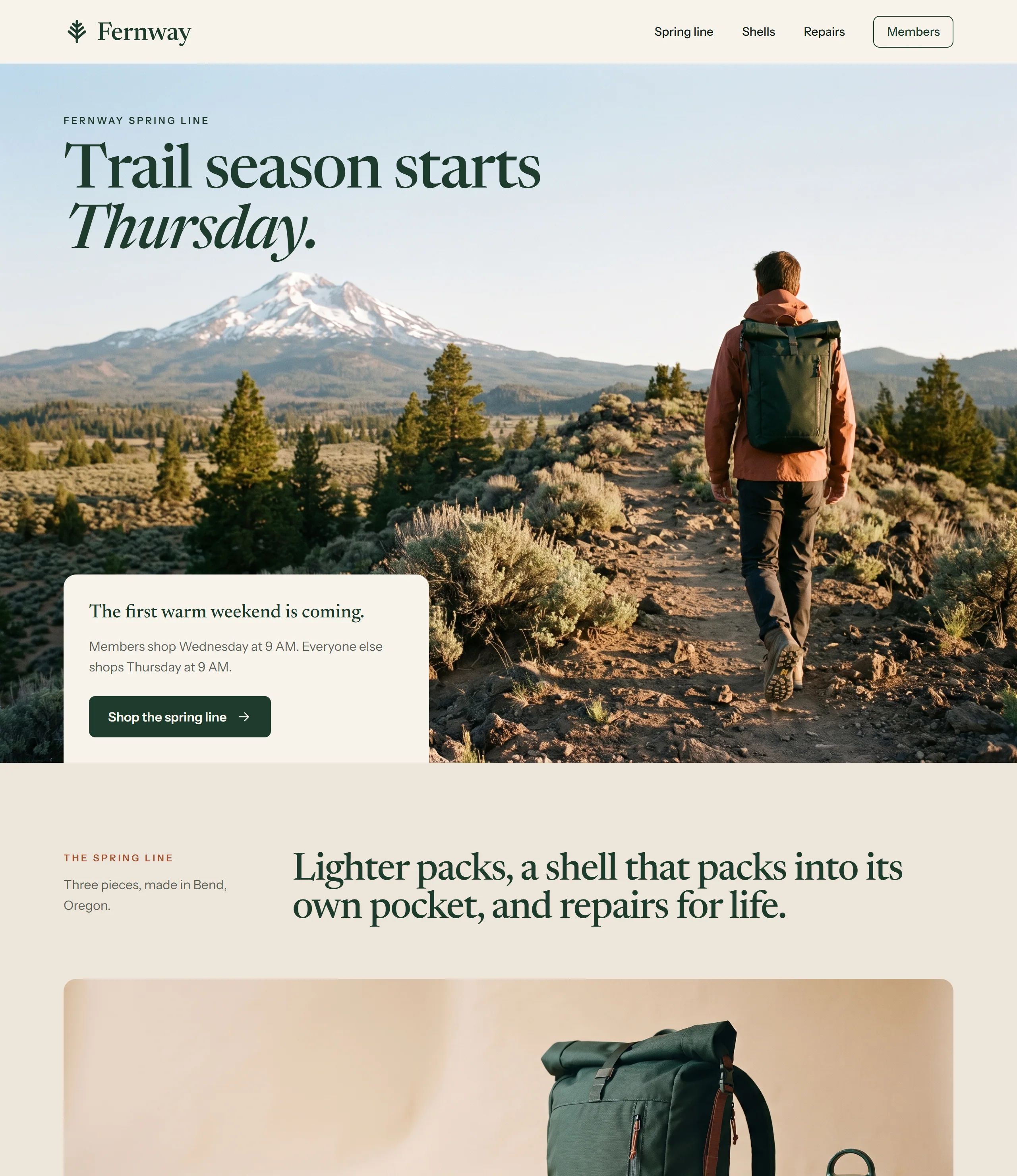
Fernway Outdoor, spring launch
Anything that goes out waits for your approval.
Agency AI for other teams
- In-house teams One brand, every channel, and the team that keeps it right.
- Brands with agencies Keep the brand in your hands, whoever makes the work.
- Design and web Pages on the brand’s own system, from Figma to the live site.
- Campaigns and content One brief, a whole campaign, on brand.
- Account management Replies, reports and recaps that know the client.
- New business Pitches built from the work you have already done.
Let the work flow.
Tell us where your team wants help first. A person reads every request and replies from growth@agency-ai.app.